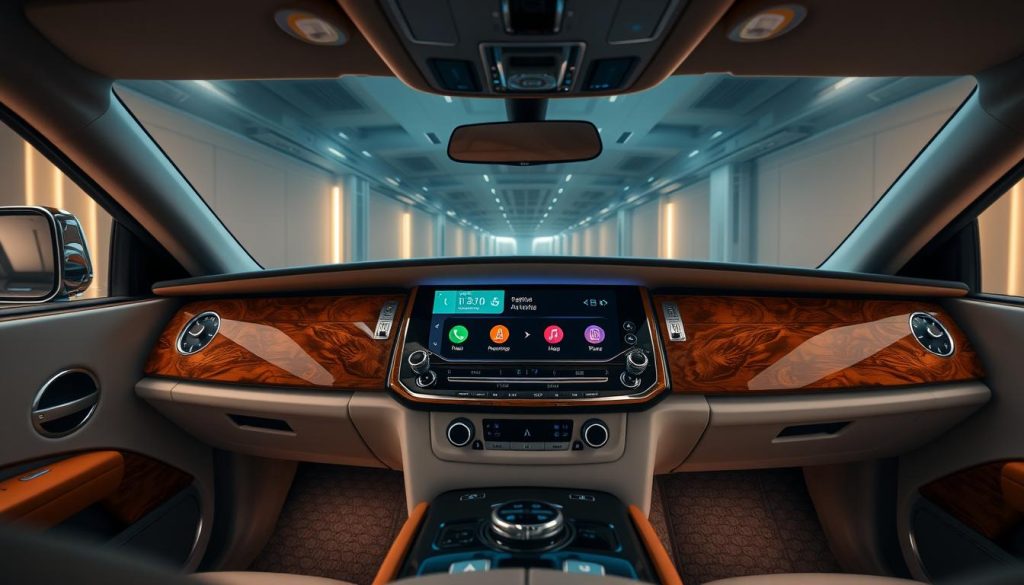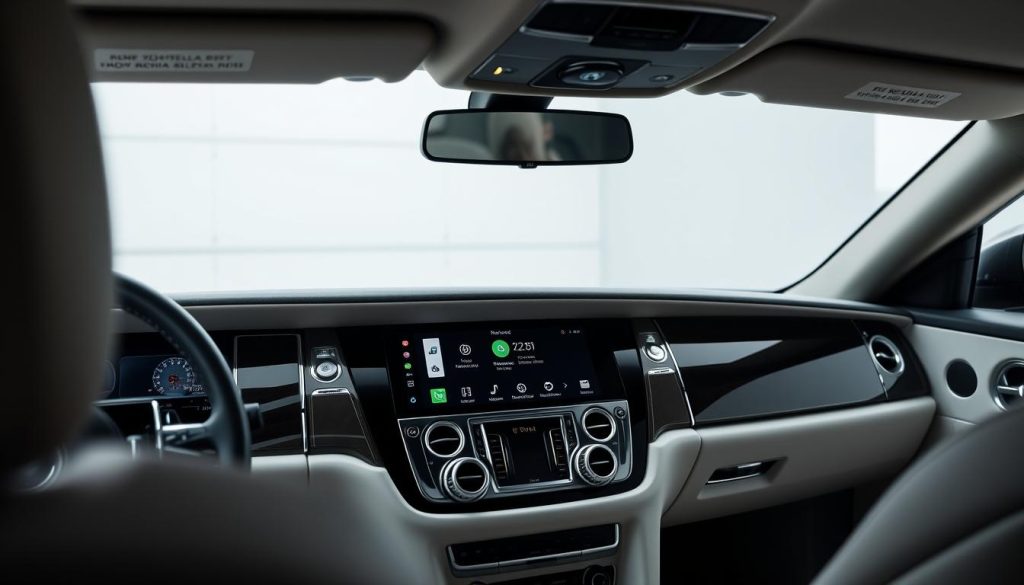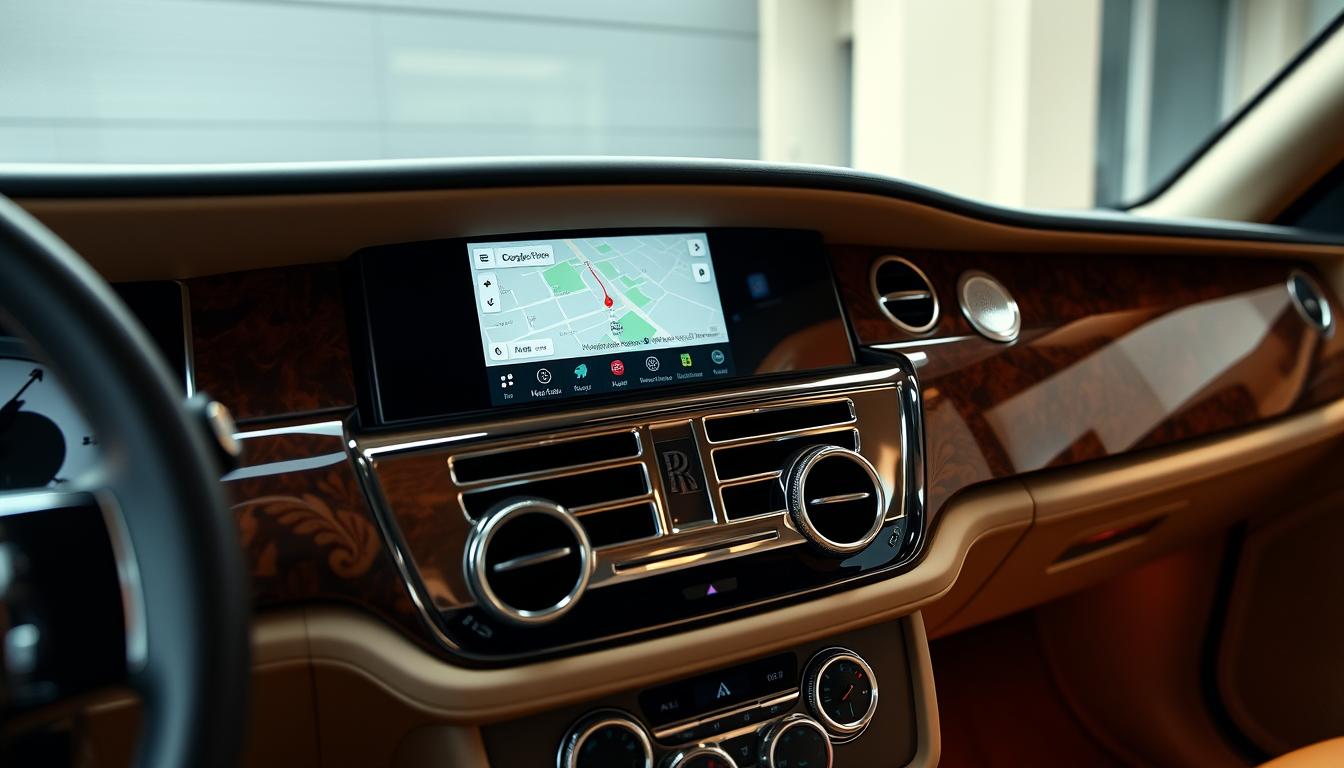

Imagine seamlessly merging the timeless elegance of your Rolls-Royce Phantom with cutting-edge smartphone connectivity. Android Auto integration transforms your luxury driving experience, bringing modern navigation, entertainment, and communication features to your classic Phantom without compromising its sophisticated character. This guide explores everything Phantom owners need to know about upgrading their vehicles with Android Auto technology.
Compatibility: Which Phantom Models Support Android Auto?
Rolls-Royce Phantom models from 2006-2018 can be upgraded with aftermarket Android Auto modules. These retrofit solutions are specifically designed to integrate with your vehicle’s existing infotainment system while preserving all original functionality.
Compatible Phantom Generations
- Phantom VII (2003-2017)
- Phantom Series II (2012-2017)
- Phantom VIII (Early 2018 models)
Factory Systems Supported
- Original BMW-based iDrive systems
- Spirit of Ecstasy Rotary Controller
- Factory touchscreen displays
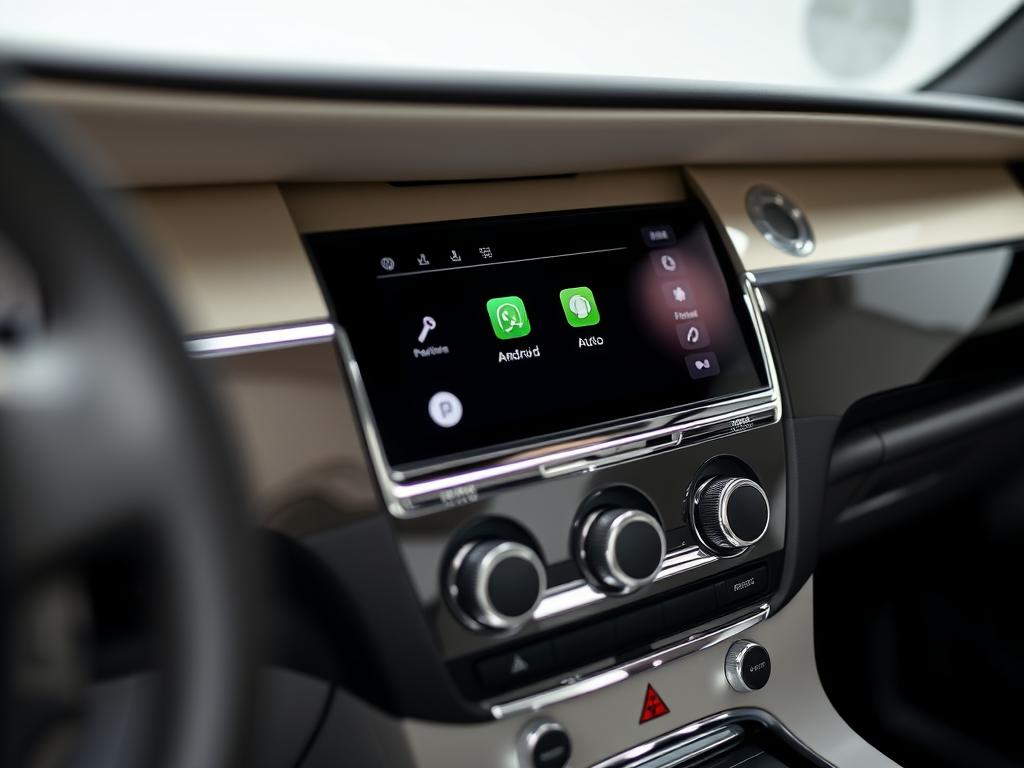
Benefits of Android Auto in Your Rolls-Royce Phantom
Adding Android Auto to your Phantom delivers modern connectivity while maintaining the vehicle’s prestigious character. Experience seamless integration of your digital life with your luxury driving experience.
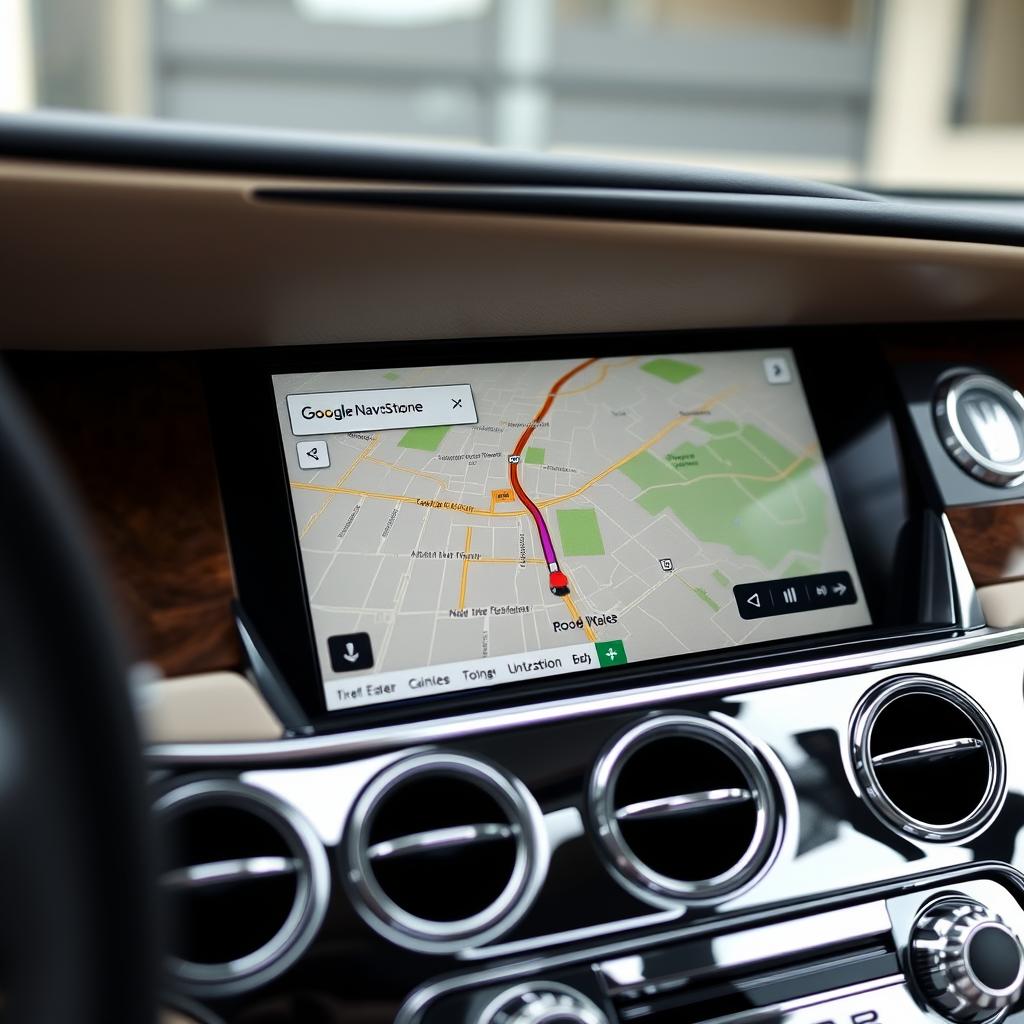
Premium Navigation
Access Google Maps with real-time traffic updates and intelligent routing directly on your Phantom’s display.
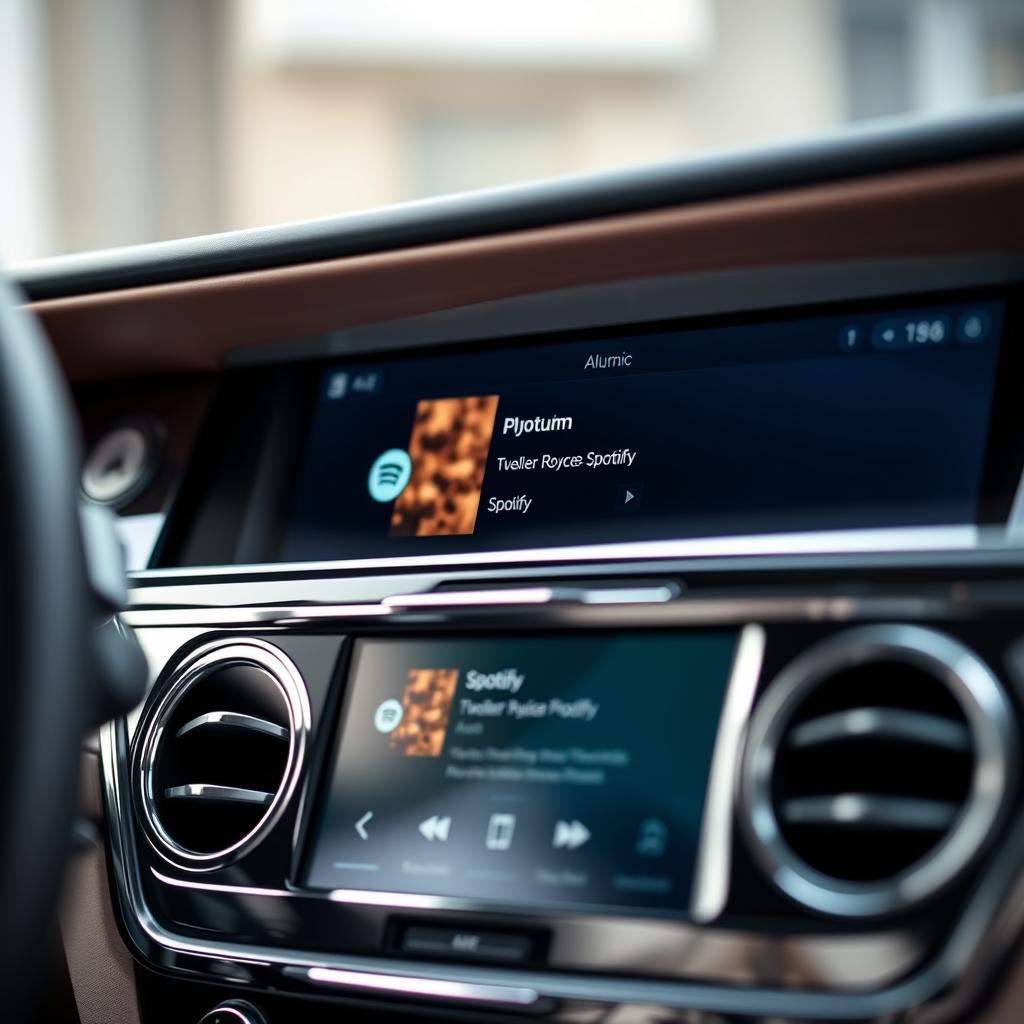
Entertainment Suite
Enjoy Spotify, YouTube Music, and other premium audio apps through your Phantom’s exceptional sound system.

Voice Control
Maintain the Phantom’s refined driving experience with hands-free Google Assistant voice commands.
Advantages
- Wireless connectivity eliminates unsightly cables
- Preserves all factory features and functions
- Compatible with steering wheel controls
- Uses original microphone for voice commands
- Retains factory screen and aesthetics
Considerations
- Professional installation recommended
- Initial setup requires smartphone pairing
- Wireless connection uses phone battery faster
- May require occasional firmware updates
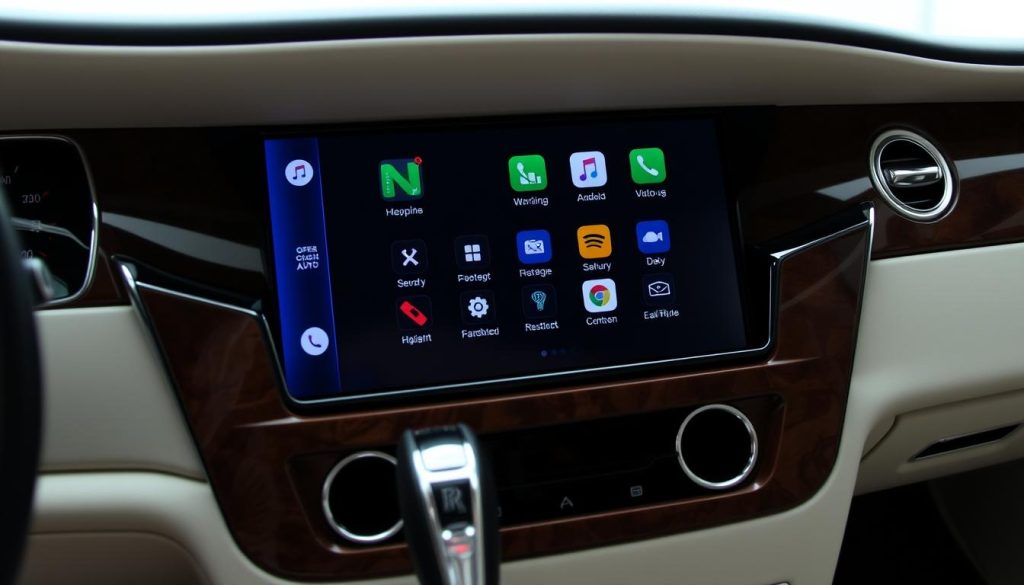
Premium Android Auto Solutions for Rolls-Royce Phantom
Several high-quality retrofit modules are available specifically designed for Rolls-Royce vehicles. These systems offer seamless integration with your Phantom’s existing technology while adding modern connectivity features.
| Module Type | Connectivity | Compatibility | Price Range | Warranty |
| Wireless CarPlay & Android Auto | Wireless & Wired | 2006-2017 Phantom | $599-699 | 2 Years |
| Wired Android Auto Only | Wired | 2006-2018 Phantom | $499-599 | 1 Year |
| Premium Integrated System | Wireless & Wired | All Phantom Models | $699-799 | 2 Years |
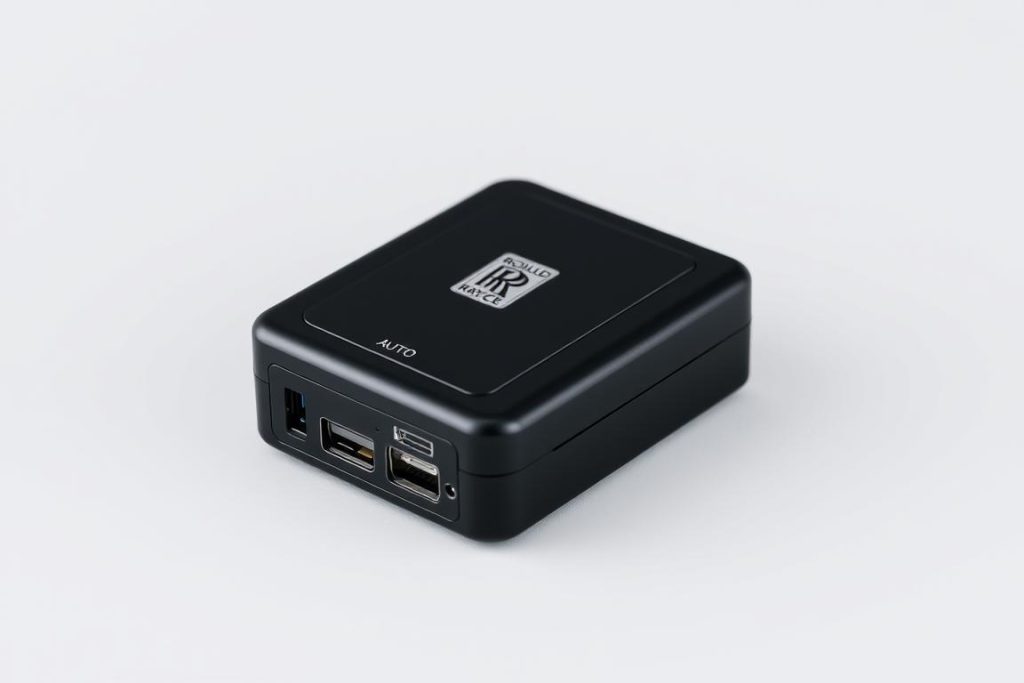
Installation Process: Preserving Your Phantom’s Integrity
Installing Android Auto in your Rolls-Royce Phantom is designed to be minimally invasive while delivering maximum functionality. Most modules feature plug-and-play connectivity that integrates with your vehicle’s existing systems.
Professional Installation
While DIY installation is possible, we highly recommend professional installation by technicians experienced with luxury vehicles. This ensures proper integration and preserves your Phantom’s sophisticated systems.
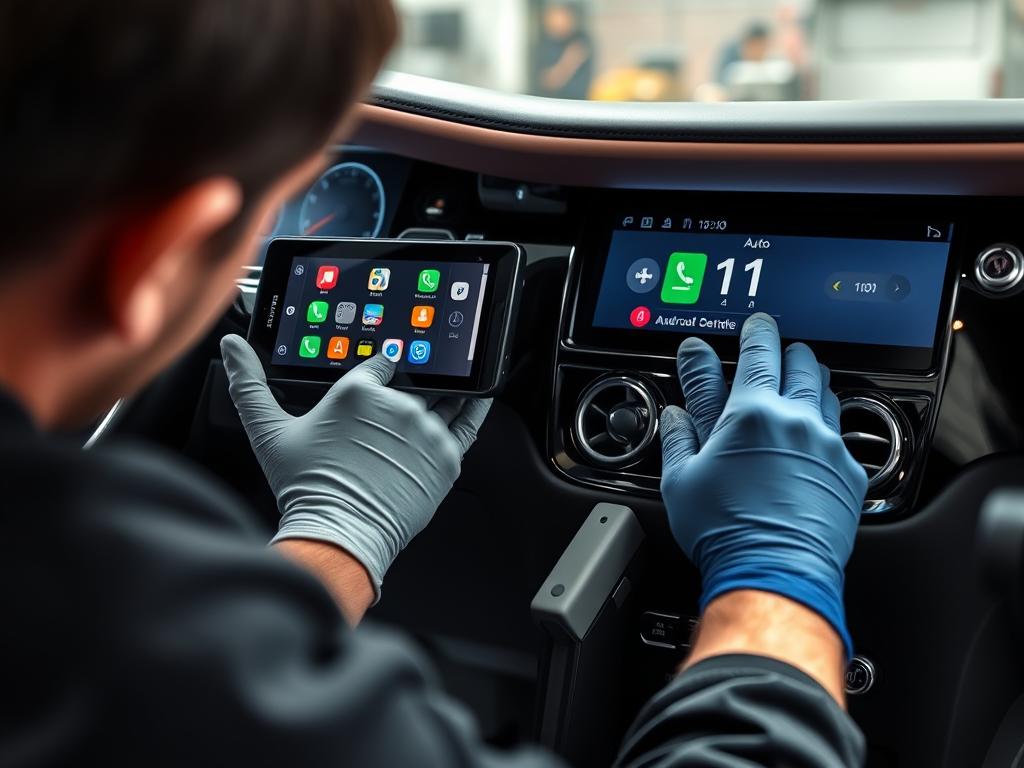
Installation Steps
- Remove select interior trim pieces to access connection points
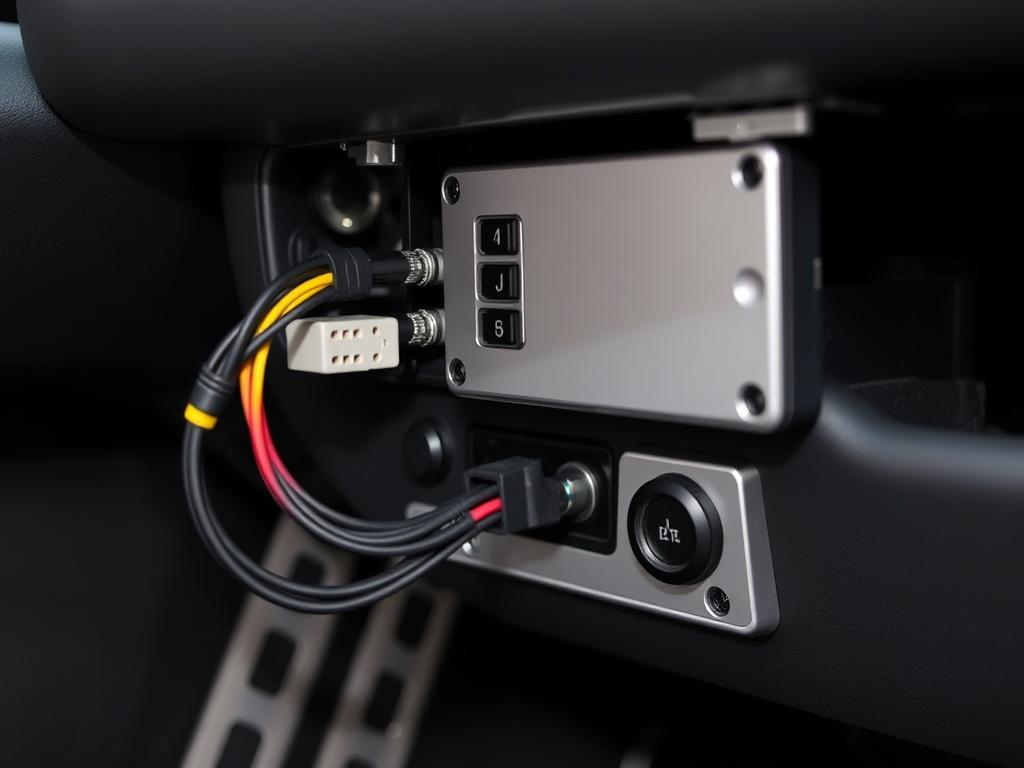
- Connect the module to your vehicle’s factory harness
- Mount the module in a discreet location
- Test all functions and features
- Reinstall trim pieces with no visible modifications
« The installation was completely seamless. All factory functions remain intact, and the Android Auto integration feels like it could have come from Rolls-Royce themselves. Absolutely worth the investment. »
Frequently Asked Questions About Android Auto in Rolls-Royce Phantom
Will installing Android Auto void my Rolls-Royce warranty?
No, these plug-and-play modules don’t modify your vehicle’s original wiring or components. The system can be completely removed if needed, returning the vehicle to its factory condition. However, we recommend consulting with your Rolls-Royce service advisor for specific warranty considerations.
Can I use both Android Auto and Apple CarPlay with the same module?
Yes, most premium modules support both Android Auto and Apple CarPlay, allowing different users to connect their preferred devices seamlessly. This is particularly convenient for households with both Android and iOS devices.
How does wireless Android Auto connect to my Phantom?
Wireless Android Auto modules use a combination of Bluetooth and Wi-Fi technology to establish a connection with your smartphone. The initial pairing process takes just a few minutes, and afterward, your phone will automatically connect when you start your Phantom.
Will I lose any factory features after installation?
No, these modules are designed to preserve all original Rolls-Royce functions. You’ll retain access to all factory features including navigation, audio system, climate controls, vehicle settings, and any other OEM functions. The module simply adds Android Auto as an additional feature.
What apps can I use with Android Auto in my Phantom?
Android Auto supports a wide range of apps including Google Maps, Waze, Spotify, YouTube Music, Amazon Music, WhatsApp, Google Assistant, and many more. The interface is optimized for driving safety with large buttons and voice control.

Elevate Your Phantom Experience with Android Auto
Integrating Android Auto with your Rolls-Royce Phantom bridges the gap between timeless luxury and modern connectivity. These carefully engineered retrofit solutions respect the sophisticated character of your vehicle while enhancing its functionality for today’s connected world. With wireless connectivity, preserved factory features, and intuitive operation, Android Auto transforms your driving experience without compromising the Phantom’s legendary refinement.